There are dozens of teleprompter apps for iPhone and iPad, and most look alike in a screenshot. The differences show up once you start recording. Here is what to check, and which kind of app suits which job.
What to look for
How the text moves
A fixed speed scroll is the basic option. Voice following moves the script as you speak and waits when you stop. If you read to camera, this is the feature that most changes how natural you sound. See how voice-following teleprompters work. Check whether recognition runs on the device or sends audio elsewhere.
Recording
Some apps record video with the script shown over the camera view; others are just a prompter and expect you to record elsewhere. Decide whether you want one app for both, and check the recording quality options.
Cues and formatting
The difference between reading and delivering is in the markings: pauses, emphasis, look-ups, sections. Look for an app that lets you mark them in the script itself and shows them clearly while you read. Our guide to reading a teleprompter without sounding robotic explains why they matter.
Remote control
If you stand back from the screen or use a separate device as the prompter, you will want to start, stop and adjust it from another device. See using an iPhone as a remote for an iPad teleprompter.
Importing and writing scripts
Check whether you can paste or import documents, organise scripts into folders, and edit while the prompter is running.
Price and limits
Compare what is free with what needs a subscription or one-time purchase: number of scripts, recording, voice following, remote control. Prices change, so check the App Store listing rather than a review.
Four kinds of teleprompter app
| Type | Good for | Trade-off |
|---|---|---|
| Simple scroller | Reading a script on screen at a steady speed | You keep up with it; usually little formatting |
| Voice-following prompter | Talking-head video, speeches, interviews | Needs a clear microphone; quality of matching varies |
| All-in-one video app | Creators who also want captions, templates and editing | More features to learn; the prompter is one part |
| Prompter plus remote | Tripod or rig setups where you stand away | Needs two devices |
Where TeleprompterThis fits
We make TeleprompterThis, so weigh this section accordingly. It is built for people who read to camera or an audience and want to sound natural:
- Voice follow with on-device speech recognition, so your voice stays on your device.
- Cues in the script: pauses, slow stretches, stressed words, look-ups, gestures, an off-script marker, sections you can jump between and time checks.
- iPhone as a remote for an iPad, with a live preview of the iPad's screen.
- Camera on the prompter device, with rehearse and record modes.
- Suggested cues for a script, using on-device Apple Intelligence where it is available.
What it is not: it runs on iPhone and iPad only, and voice follow and the camera are part of TeleprompterThis Pro. If you need a Windows or Android prompter, or a full video editor, look elsewhere.
A fifteen-minute way to compare apps
- Paste the same 300-word script into each app.
- Read it aloud at your normal pace, once with a fixed speed, once with voice following if offered.
- Deliberately pause, laugh and repeat a line. Note how the app copes.
- Record one take and check the file, the audio and the text position relative to the lens.
- Check what the free version limits, and what the paid one costs.
That is enough to see which app you enjoy reading with, which is the thing a feature list cannot tell you.
Frequently asked questions
What is the best teleprompter app for iPhone?
It depends on how you work. Choose a voice-following app if you read to camera and want natural pauses, an all-in-one video app if you also want captions and editing, and a simple scroller if you only need a script on screen. Use the checklist in this guide and try the free version before paying.
Is there a free teleprompter app for iPhone?
Many teleprompter apps have a free tier with limits, such as a cap on scripts or watermarks on recordings. Check what is limited before you rely on one for something important.
Can I use an iPad as a teleprompter with an iPhone camera?
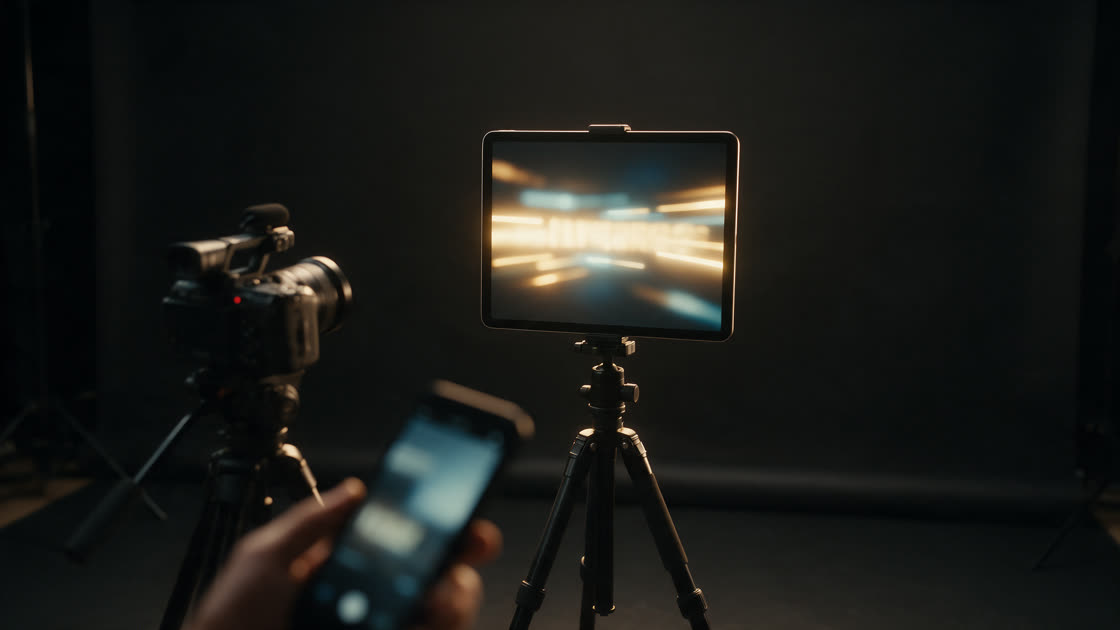
Yes, in two ways: mount the iPad as the prompter in front of a camera and control it from your iPhone, or record on the same device as the prompter. TeleprompterThis supports the first by using the iPhone as a remote for the iPad.
Do I need a physical teleprompter rig?
No. A phone or tablet with the text near the lens works for most video. A beam-splitter rig lets you look directly into the lens while reading, which suits long reads and professional shoots.